Video production with artificial intelligence is bringing about one of the biggest transformations in content creation in recent years. Productions that used to take days, requiring expensive equipment and large crews, can now be made in minutes with the right prompt and tool selection. In this guide, we explore how AI video production works, which tools are used, and in which areas it is useful, from education to marketing, with real examples.
What is AI video production?
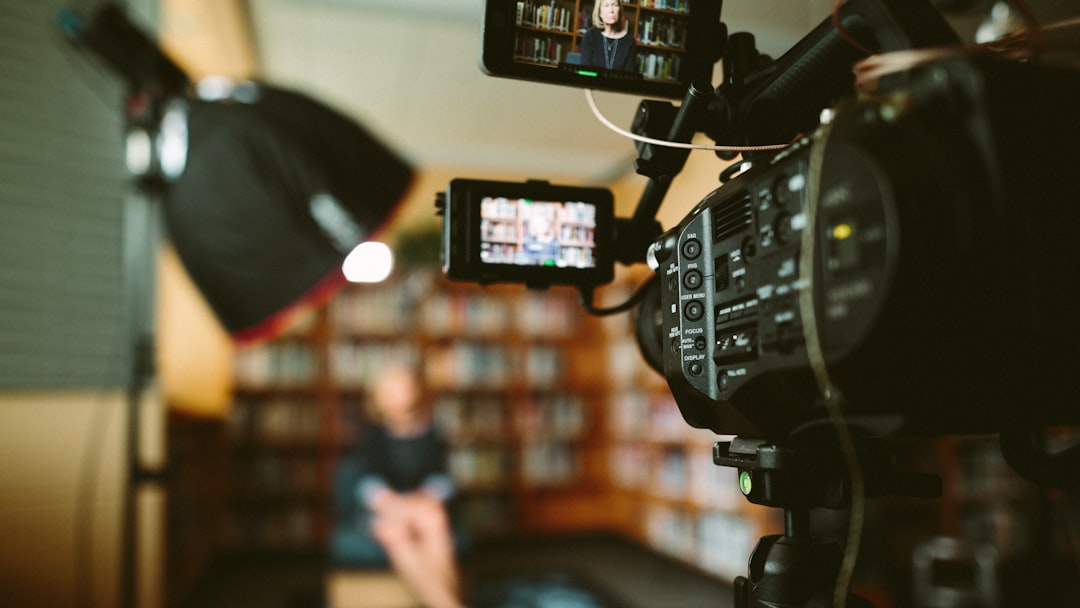
AI video production is the process of taking a text, image, or a short script as input and having artificial intelligence convert it into moving images. A typical workflow consists of three steps: first, an initial visual or storyboard is generated, then a prompt describing movement and scene is written for this visual, and finally, the resulting clips are edited. At the heart of the process lies the clarity of the prompt: the clearer you describe it, the more accurate the result will be.
Which tools are used?
Today, the most commonly used tools are Seedance and Kling for motion and scene generation, GPT Image and Gemini for initial visuals, HeyGen for talking instructors/presenters, and ElevenLabs for natural and multilingual voiceovers. Each tool excels in different areas; choosing the right tool for the right job is the first condition for a quality outcome.
You can find real-world usage examples and exact prompt chains for each of these tools, step-by-step, in our AI Video Production guide.
AI video in education
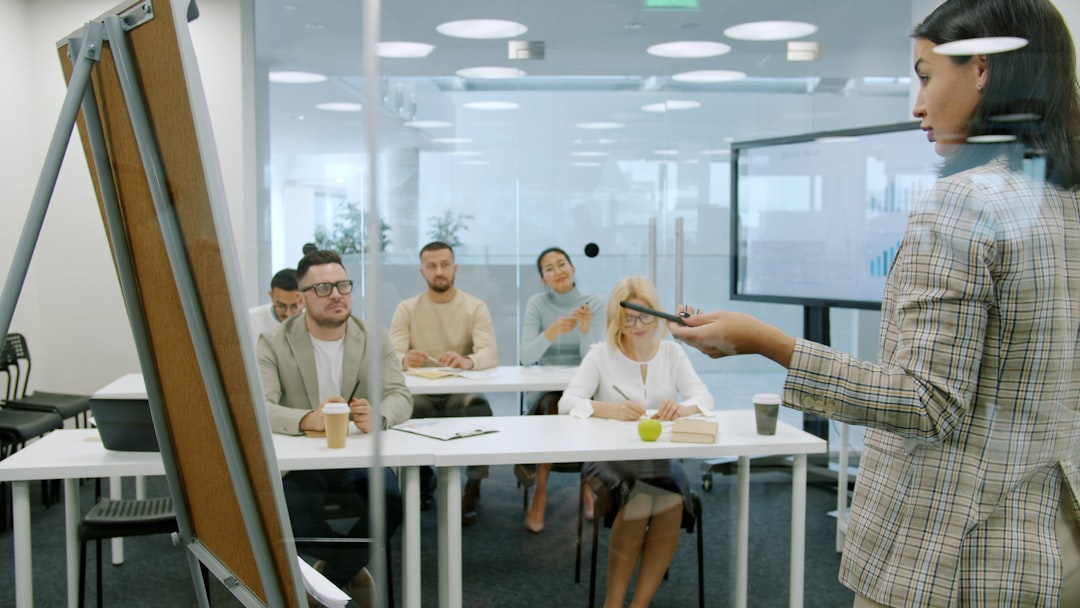
Education is one of the most powerful use cases for AI video. You can create an avatar instructor and convert your script into a lip-synced presenter video speaking in 175+ languages; you can prepare international training by adapting a single piece of content to different languages. Choosing the right video type, understanding camera language, and structuring the script to support learning are the pedagogical aspects of the job.
To set up your educational videos from start to finish, you can check out our Video Production in Education guide; correct video selection, camera angles, and content types are exemplified one by one.
Marketing and advertising videos
Brands are now producing product introductions, social media ads, and campaign videos with AI workflows extending from storyboard to video. Transitioning from a product image to a cinematic advertising scene, which used to require a set and crew, is now possible with a few prompts. This is a significant advantage, especially for small teams that need to produce content quickly.
How to get started?
The fastest way to learn is to examine working examples and adapt the prompts to your own topic. At MediaRubic Workshop, a library of over 60 real examples awaits you, where you'll find the result, the tool used, and the exact prompt for each. It takes minutes to copy the prompt of an example you like and produce your own video.
To learn AI video production experientially, visit MediaRubic Workshop — see, copy, try it yourself.