The Sketch on the Slide and the Space Itself Are Not the Same Thing
Every HR professional knows: the weakest link in orientation is knowledge of the space. Emergency exits are shown to the new employee on a sketch, the production line is explained with photos — and in the first real fire drill, everyone walks in the wrong direction. The situation is even more critical in OHS trainings: "video watched for signature" does not translate into on-site behavior.
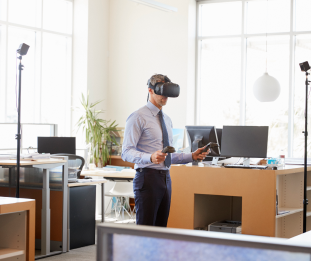
The solution is to bring the training to the space itself. When a training layer is built on a Digital twin — a navigable 3D copy of the facility created with Matterport — a completely different experience emerges: the new employee explores the facility at their own pace before even arriving on the first day, sees critical points in situ, and answers questions within the space.
How Does Digital Twin Training Work?
- 1. Scanning: The facility is professionally scanned with Matterport (a single day for most facilities). If you already have a virtual tour, rescanning is not necessary.
- 2. Training layer: Interactive stops are placed on the twin: information cards, video narrations, "what not to do here?" scenarios, tasks.
- 3. Route and flow: Instead of free exploration, a guided training route is designed — orientation tour, OHS tour, department tour can be separate flows.
- 4. Measurement: Stop-based questions and end-of-tour assessment; completion conditions are defined.
- 5. Publishing: The training is uploaded to your LMS as SCORM or shared as a standalone experience accessed via a link.
Where Is It Most Effective?
Orientation: First-day stress is reduced; the employee learns about the building, departments, and basic rules beforehand. In multi-location organizations, the central team can introduce each facility with standard quality.
OHS: Emergency exits, fire extinguishers, assembly points, risky areas — all are marked in their real locations; scenario-based questions ("the alarm rang, which is the closest exit?") create spatial memory. Training records are ready for audit via LMS.
Operations: Machine-side procedures, shift handover points, quality stations — the new operator 'walks' the line before seeing it.
Visitor and contractor briefing: A short safety tour completed beforehand by everyone entering the facility reduces on-site risk and briefing workload.
Return on Investment: Why Is It Better Than Slides?
- Spatial memory: The answer to "Where?" is learned in the space; not on a sketch.
- Standardization: Every new employee receives the same quality tour — the fluctuation in quality dependent on the presenter ends.
- Measurability: Who completed which tour, in what time, and struggled with which question — all are reported.
- Reusability: A tour set up once generates value for hundreds of employees and years of use; when the facility changes, only the relevant stops are updated.
How to Get Started?
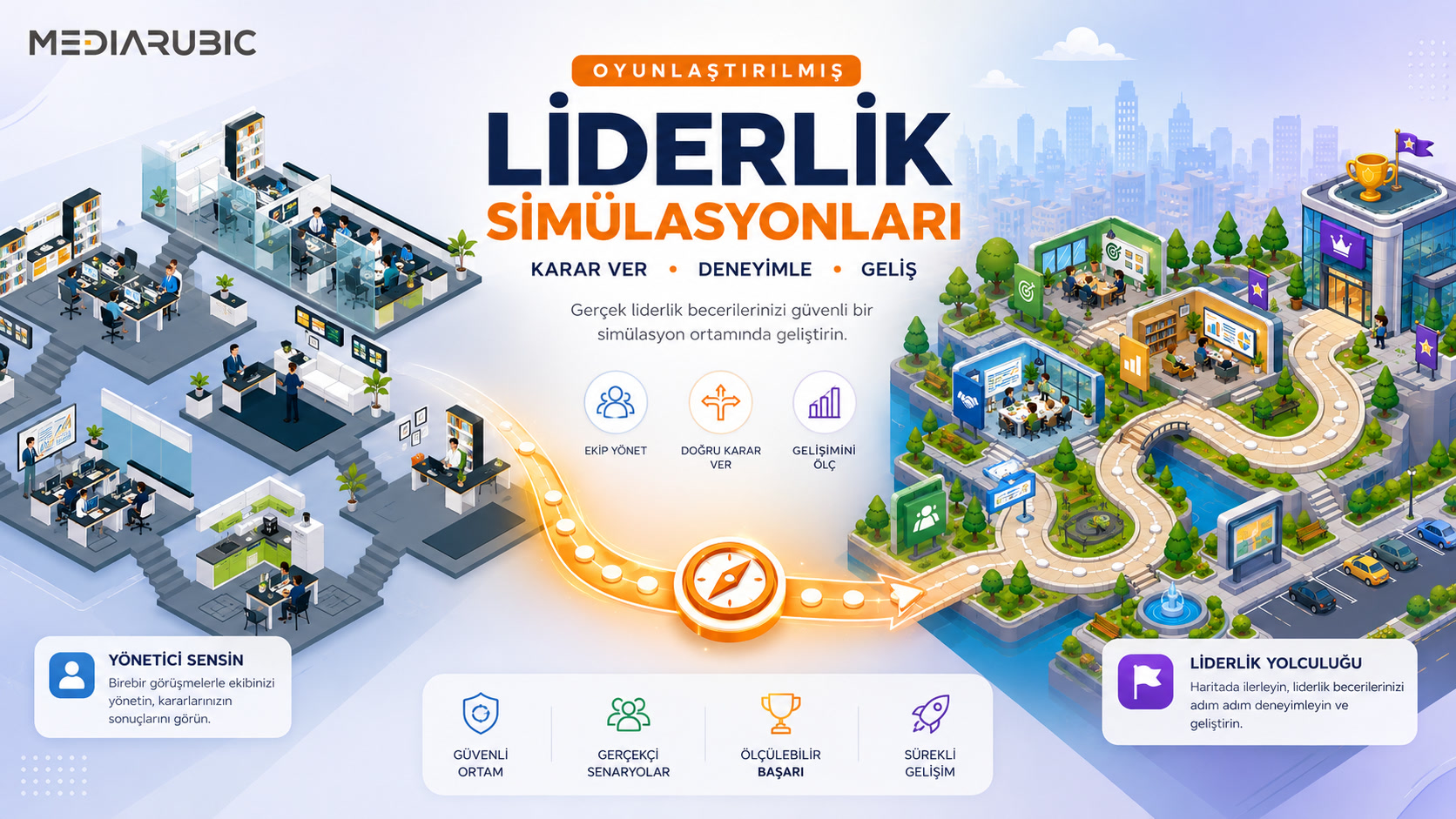
We have gathered this entire setup in a single package: Digital Twin Training Package — including scanning, training layer, quiz, and SCORM/LMS output. If you are curious about the Matterport side, you can also check out our digital twin service page. For other aspects of gamified learning, our serious game guide is a good starting point.
Frequently Asked Questions
We have an existing Matterport tour; is scanning from scratch necessary?
No. The training layer can be built on top of your existing tour — this significantly reduces time and cost.
We don't have an LMS; how do we distribute the training?
We publish it as a standalone web experience accessed via a link; access can be open, link-restricted, or password-protected.
What if there are changes in the facility?
Stops are modular: a moved station or a changed rule is resolved by updating the relevant stop. In major layout changes, only the relevant area is rescanned.
How many employees can use it?
There is no limit — the experience works in the browser; hundreds of people can use it simultaneously during the onboarding period.
Conclusion
Your facility is already your best trainer; let it speak through its digital twin. Write your facility type and target training from our package page — and we will get back to you within 24 hours with a sample setup and a clear offer.